Skip to content
Home
Products
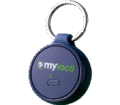
Myloc8 Halo GPS
tracker
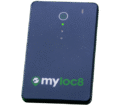
Myloc8 Edge GPS
tracker
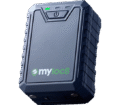
Myloc8 Ultra GPS
tracker
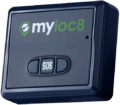
Myloc8 GPS
tracker
Myloc8 AS300 GPS
tracker
Myloc8 AS500 GPS
tracker
Myloc8 AS700 GPS
tracker
Our Brands
Trackimo
www.trackimo.ca
Petloc8
www.petloc8.ca
Trackipet
www.trackipet.ca
Doggimo
www.doggimo.com
About Us
Guide
FAQ
Contacts
Cart
Close Cart
Your cart is empty. Go to
Shop
Menu
Home
Products
Myloc8 Halo GPS
Myloc8 Edge GPS
Myloc8 Ultra GPS
Myloc8 GPS
Our Brands
Trackimo
Petloc8
Trackipet
Doggimo
About Us
Guide
FAQ
Contacts
Cart
Close Cart
Your cart is empty. Go to
Shop
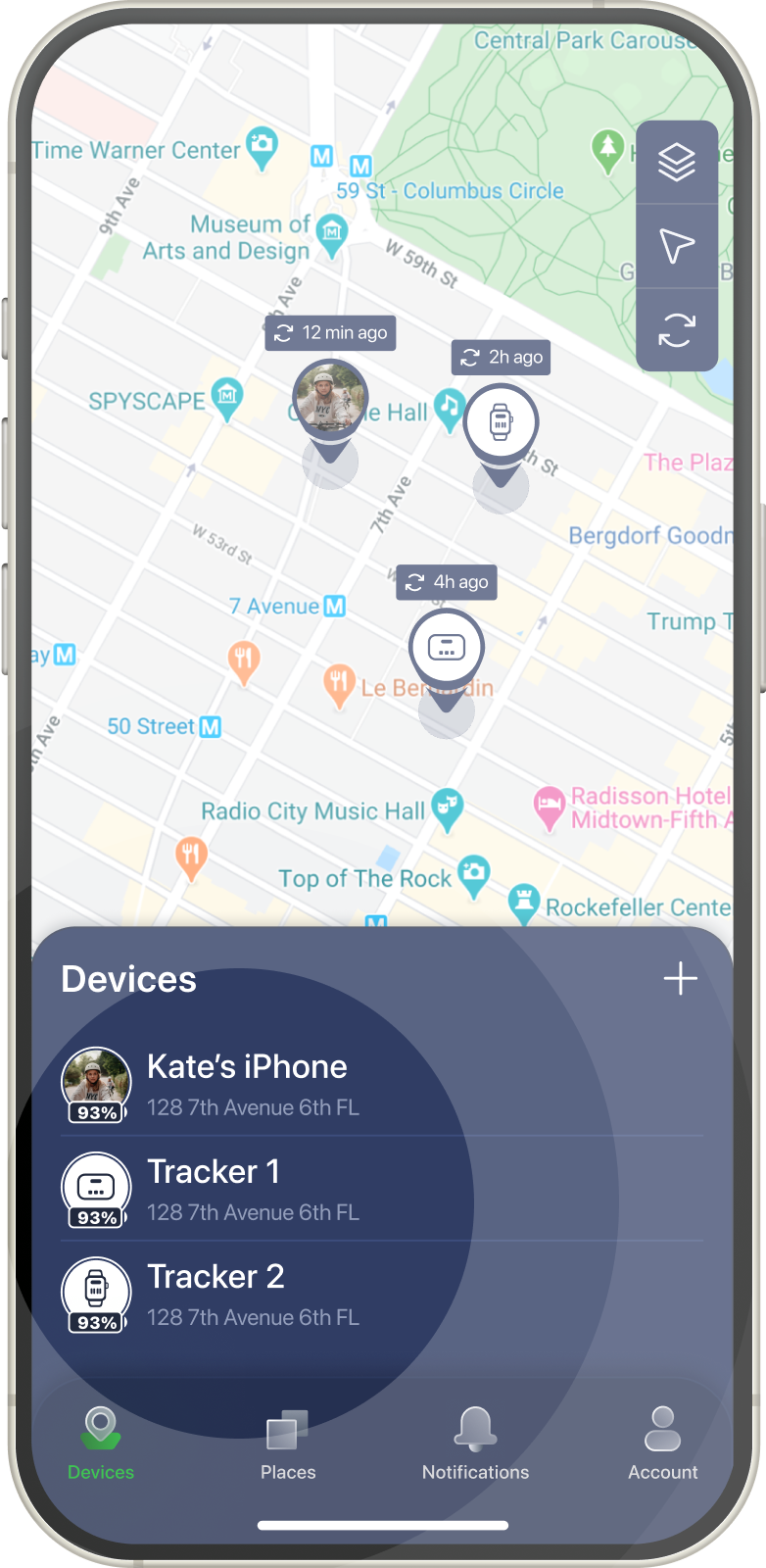
Devices
Directions
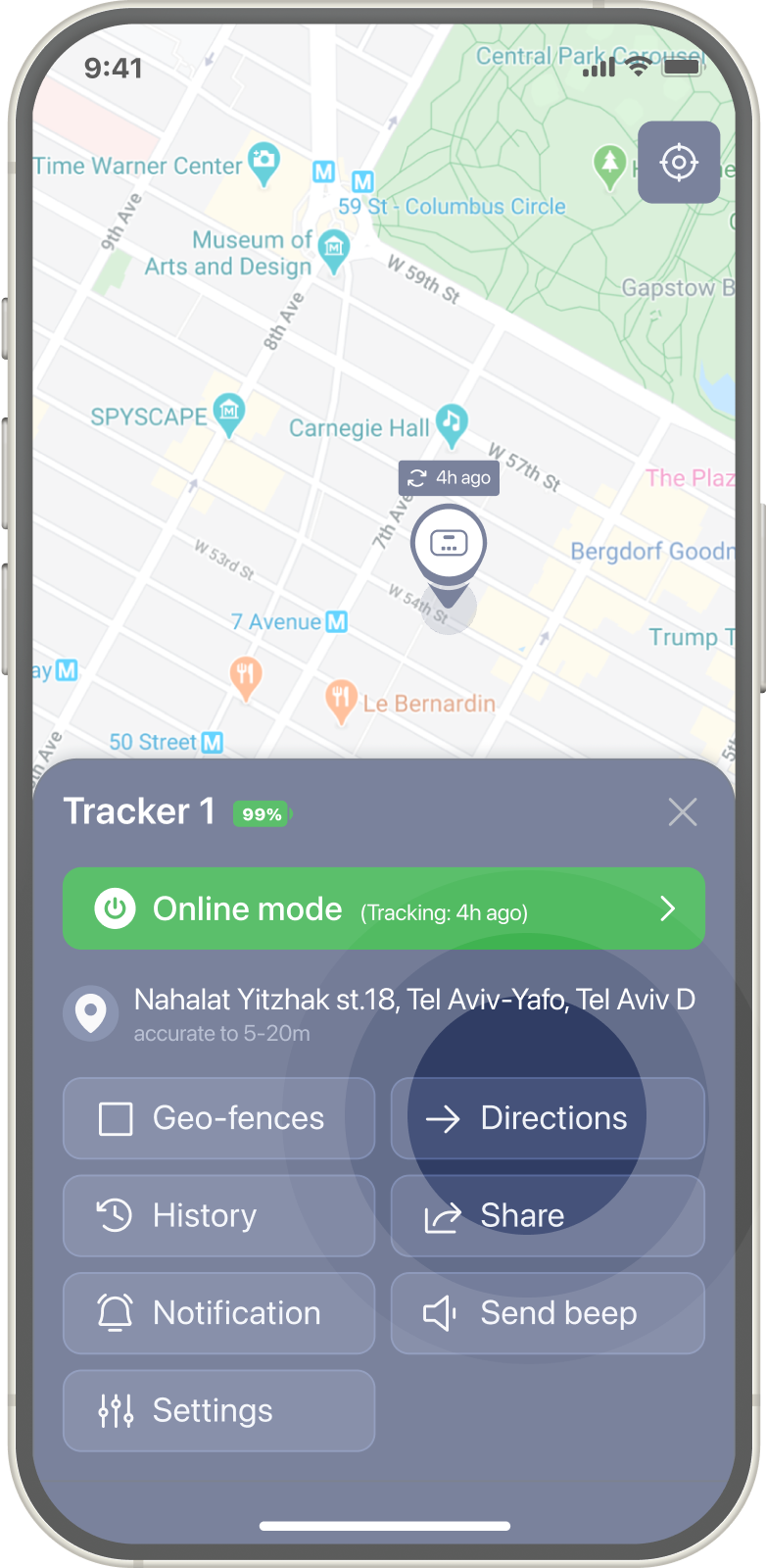
Allows you to get the route to your tracker via third party app maps.
To get the driving direction to your tracker – open the Devices tab and tap on the tracker you want to get the route to.
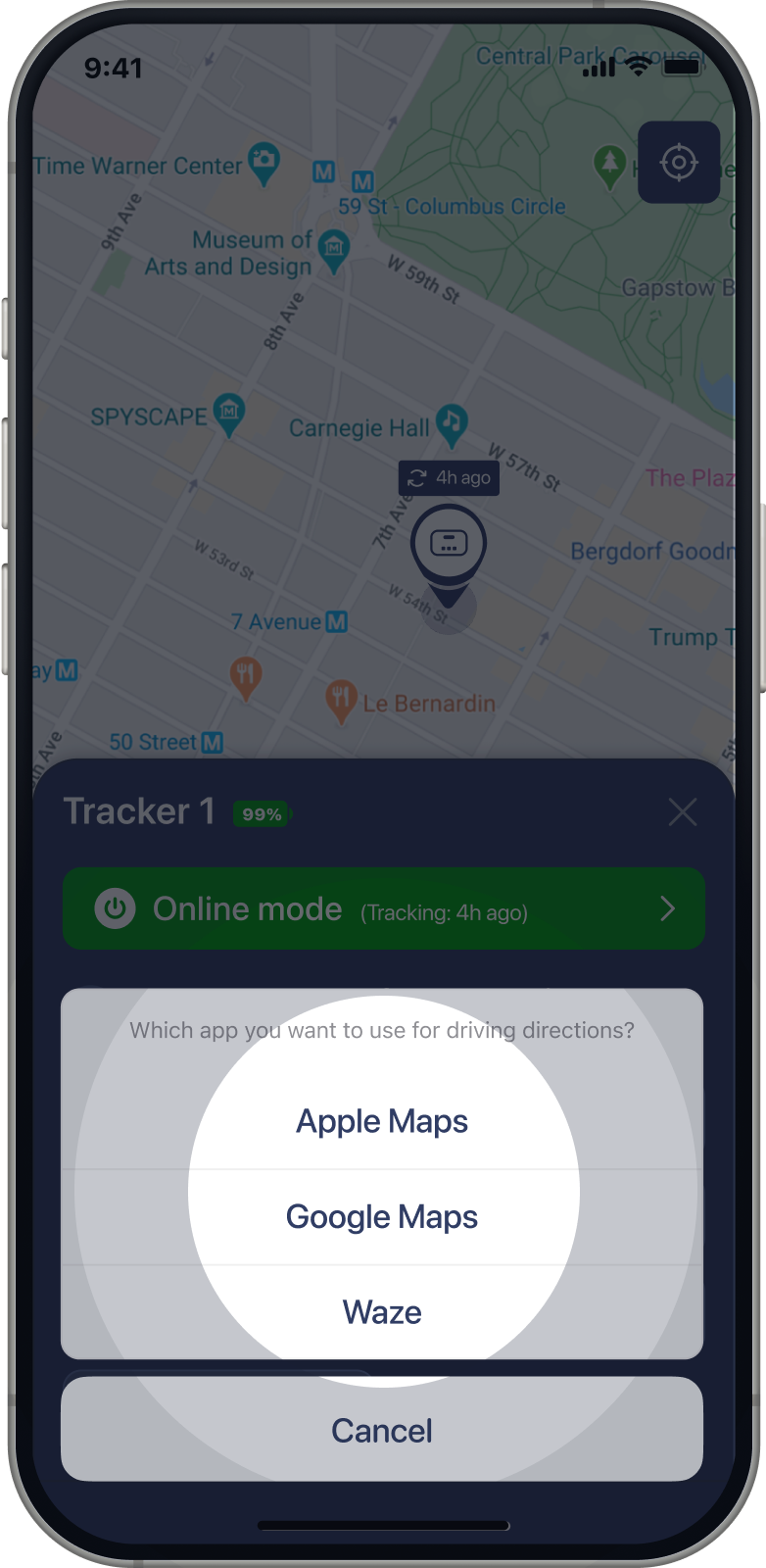
Tap on Directions button.
Select the app you would live to track your path through.
Share Location
History
Home
Products
Myloc8 Edge GPS tracker
Myloc8 Ultra GPS tracker
Myloc8 GPS tracker
Myloc8 Halo GPS tracker
About Us
Guide
FAQ
Contacts
About Notification
About Places
About Us
Account
Account Notification
Add Device
Application Guide
AS300 guide
AS500 Guide
AS700 Guide
Cart
Checkout
Contacts
Create
Declaration of Conformity
Delete
Device Guide
Direction
Edge Guide
Edit Places
FAQ
Filter
Geo-fences
Guide
Halo guide
History
Home
Home Copy
Menu
Modes & Statuses
My account
Myloc8 AS300 GPS tracker FORM
Myloc8 AS500 GPS tracker FORM
Myloc8 AS700 GPS tracker FORM
Myloc8 Edge GPS tracker FORM
Myloc8 GPS tracker FORM
Myloc8 guide
Myloc8 Halo GPS tracker FORM
Myloc8 Ultra GPS tracker FORM
Notifications
Our Brands
Privacy policy
Products Menu Service Menu
Refund policy
Release details
Share Location
Shipping
Shop
Subscription
Subscription plans
Subscription Renewal
Terms of service
Ultra Guide
Update tracker location
Home
Products
About Us
Guide
FAQ
Contact Us
Icon label
Icon label
Icon label
Icon label
Subscription plans
Refund policy
Terms of service
Privacy policy
Shipping
Declaration of Conformity
0